
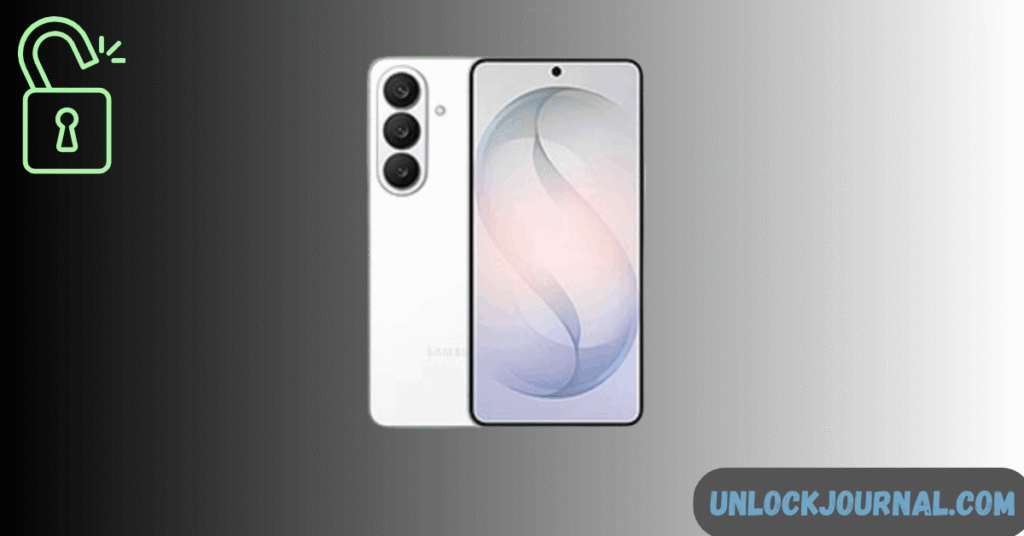
If you’re locked out of your Samsung Galaxy S26, this guide explains the safest ways to unlock it in the United States.
These methods work on Verizon, AT&T, and T-Mobile variants and follow Samsung’s official recovery system.
This article supports our complete guide:
How to Unlock Samsung Galaxy S26 Series (S26, S26+, S26 Ultra)
Method 1: Unlock Samsung Galaxy S26 Without Losing Data
Best option if Find My Mobile was enabled.
Steps:
- Visit SmartThings Find
- Log into Samsung account
- Select Galaxy S26
- Click Unlock
Device unlocks instantly.
Works only if:
- Internet enabled
- Samsung account active
Method 2: Hard Reset Galaxy S26 via Recovery Mode
If remote unlock isn’t available:
- Turn off device
- Press Volume Up + Power
- Release when Samsung logo appears
- Select Wipe data / factory reset
- Confirm
- Reboot
This erases all data.
US Carrier Notes
All US Snapdragon models follow identical recovery steps.
After reset:
- Verizon devices may reactivate automatically
- AT&T may require SIM reinsert
- T-Mobile auto-installs apps
Important: Factory Reset Protection (FRP)
After reset, you must sign in with:
- Original Google account
- Samsung account (if linked)
If you forgot those, see:
Samsung Galaxy S26 FRP Lock Removal Guide
Quick Summary
| Method | Data Loss | Internet Required |
|---|---|---|
| Find My Mobile | No | Yes |
| Recovery Mode | Yes | No |